Go to https://macpaw.com/redeem, enter the code, and click Next.
Alternatively, you can also enter your code directly in the app:
i. Open CleanMyMac X and click Unlock Full Version.
ii. Click Activate Now, enter your code, and click Next.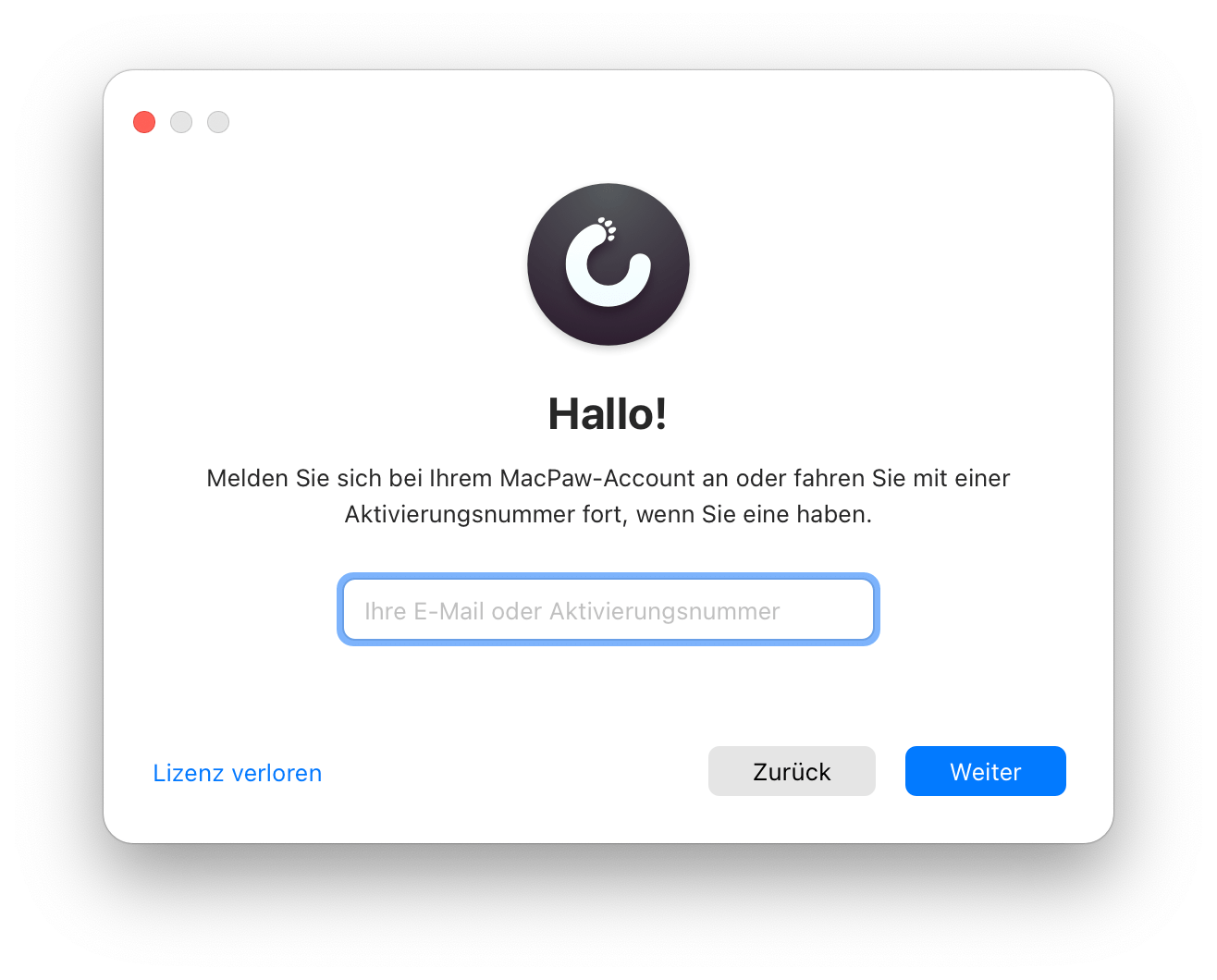
iii. Click Replace Code.
- Create your MacPaw account: Simply enter your email address and password when prompted. If you already have an account, log in.
- Click Go to Account, and then click Open App* to start CleanMyMac X.
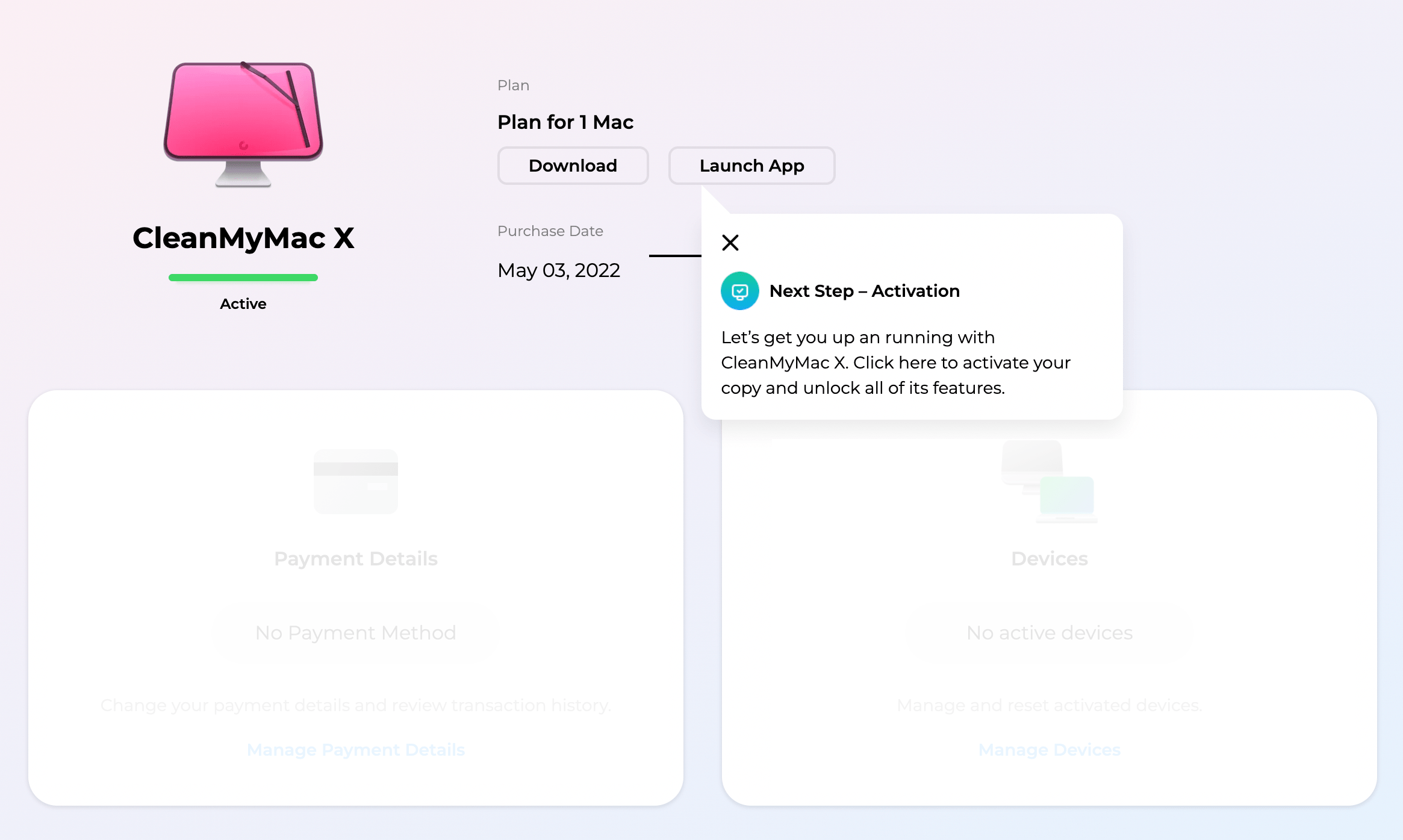
- Log in to CleanMyMac X on your computer. Use the email address and password from your MacPaw account (which you created in step 2).