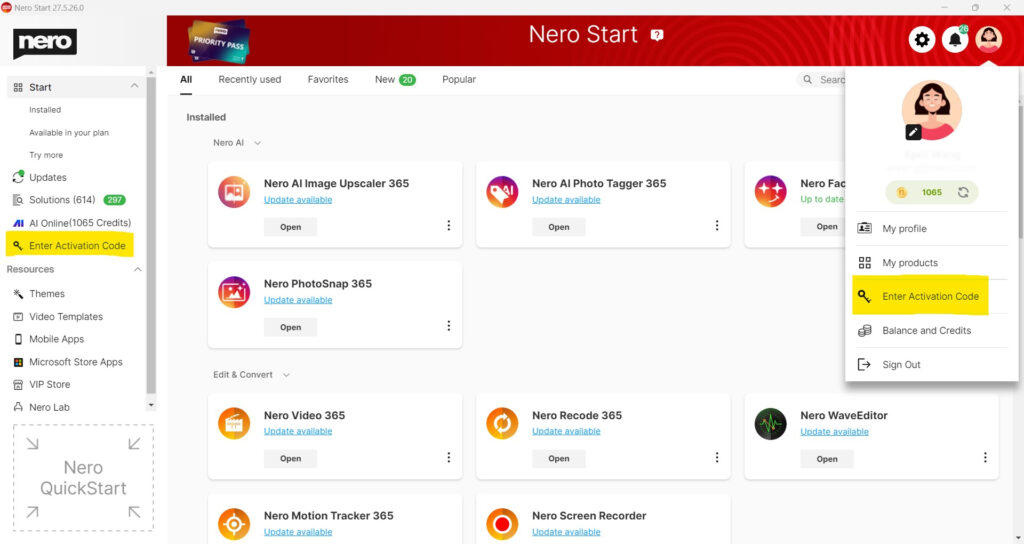
After you have created a Nero account, you can redeem your activation code.
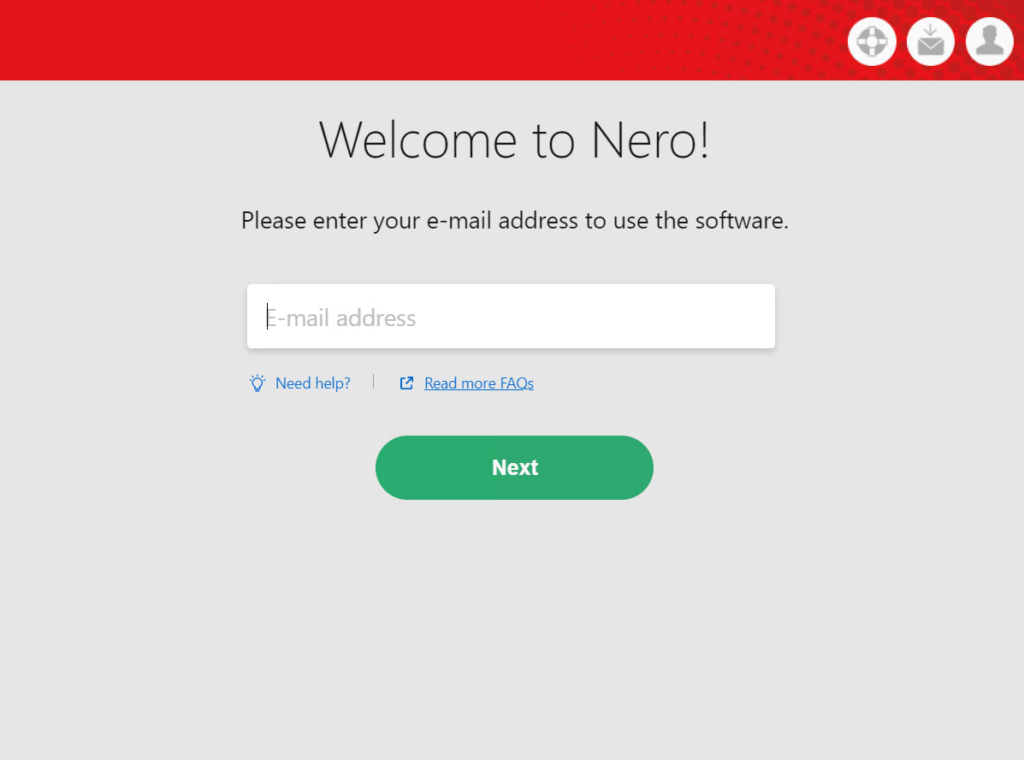
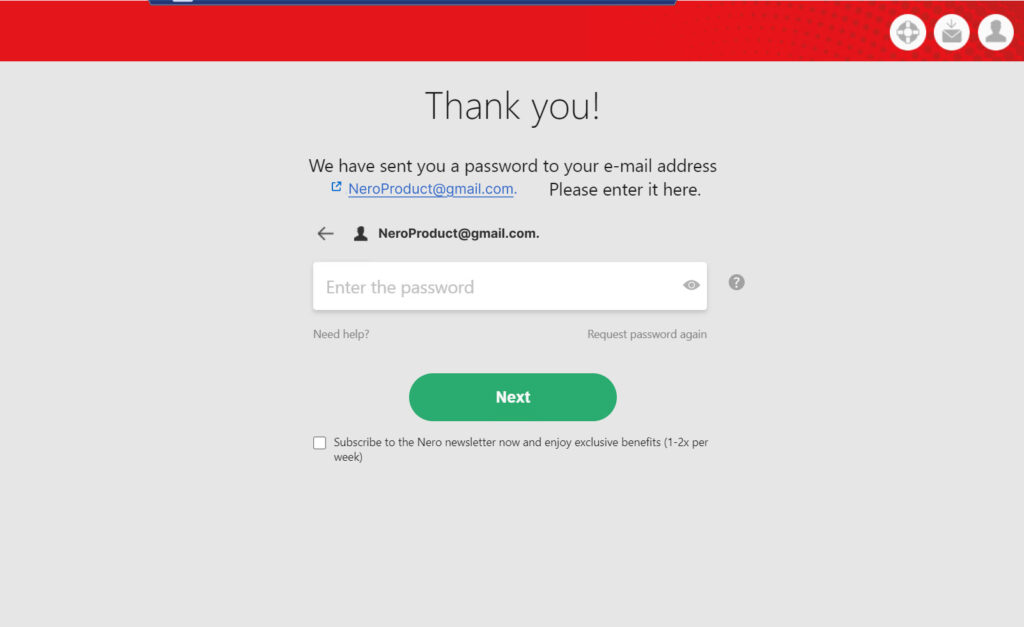
Redeem the activation code after registering your Nero account
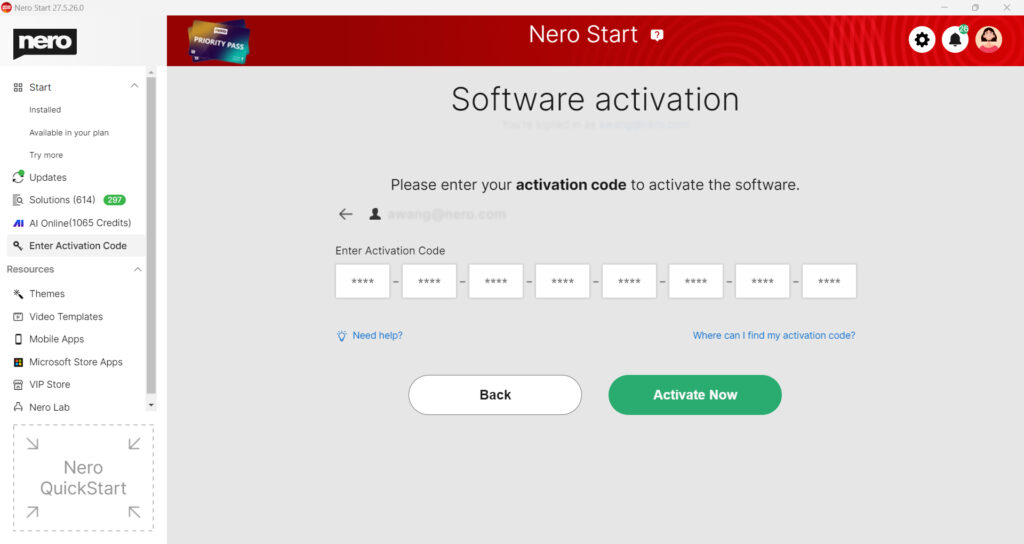
When you start Nero for the first time and have created an account, a page will automatically appear where you can enter the activation code.
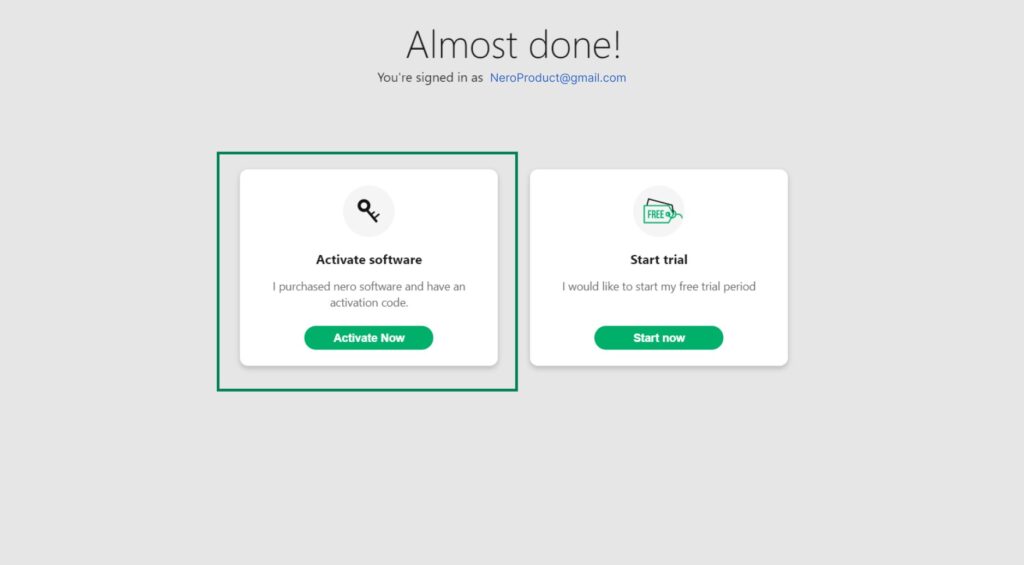
-
Redeem the activation code in the account settings
You can also redeem the code later: To do this, go to My Nero Account. Click on Account Settings in the left pane or in the menu and then on Enter Activation Code.